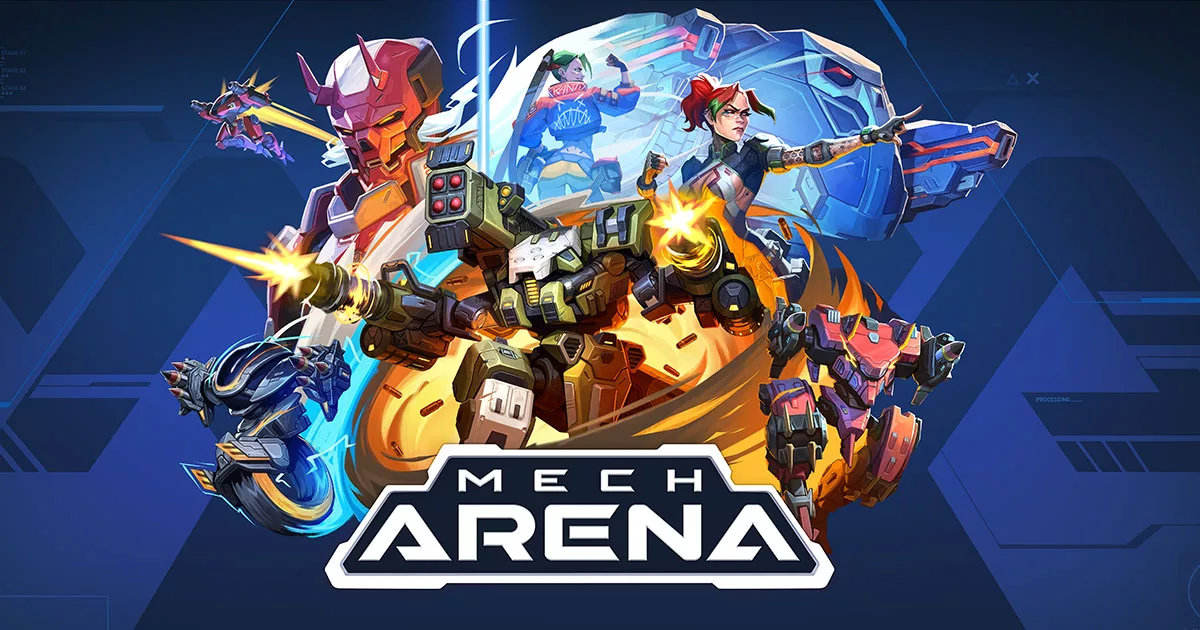
Mech Arena is Plarium’s fast-match PvP mech shooter, available on Windows and macOS through Plarium Play as well as on mobile. The desktop release adds native keyboard and mouse support without requiring an Android emulator.
What you play
Matches are designed to start quickly and revolve around compact objectives rather than long simulation battles. Official modes include 5v5 Control Point Clash, 5v5 and 2v2 Deathmatch, Free-For-All and the PvE-focused Onslaught mode. Custom Matches support direct play with friends.
The long-term loop is hangar construction. Each mech has a distinct ability and capacity, while weapons, pilots, implants and modifications determine its role. Plarium currently advertises more than 30 mechs, over 140 weapons and a large cosmetic catalog across more than 45 maps.
Desktop and cross-platform support
Plarium says the same account can be used across mobile and desktop. That is valuable if you already have a developed hangar: signing into the correct Plarium ID lets progression follow you rather than forcing a fresh start. Desktop controls support keyboards, mice and laptop touchpads.
Official PC and Mac requirements
| Minimum | Recommended | |
|---|---|---|
| OS | Windows 10 21H1 / Windows 11 21H2; macOS Monterey 12+ | Current supported Windows build or macOS Monterey 12+ |
| CPU | Intel Core i3 / AMD Athlon | Intel Core i5 / AMD Ryzen 5 |
| GPU | Intel, AMD Radeon or GeForce GTX 650 | Intel, AMD Radeon or GeForce GTX 1050 Ti |
| Memory | 5 GB RAM | 8 GB RAM |
| Storage | 6 GB | 8 GB |
Requirements can change as the live client evolves, so verify them on Plarium’s game page before downloading.
Who is it for?
Mech Arena suits players who want short sessions, direct team objectives and extensive build experimentation. Progression and monetization are part of the experience, so new players should evaluate upgrade pacing before spending. Nexrivium will add frame-time and input-latency measurements after testing the current desktop client.
Official sources
Game features and requirements were checked against the official Plarium game page and Plarium’s requirements guide. Cover artwork is supplied by Plarium.