Nexrivium — เกม PC คู่มือ และข่าวสาร

SCI-FI STRATEGY ACTION RPG · WINDOWS PC
Arknights: Endfield
สร้างฐานทัพ จัดวางโอเปอเรเตอร์ และเตรียมพร้อมสู่การเล่นครั้งแรกบน Windows PC

OPEN-WORLD SUPERNATURAL ARPG · WINDOWS PC
Neverness to Everness
แอ็กชัน RPG ในเมืองเหนือธรรมชาติ ชมวิดีโอแนะนำและเตรียมพร้อมสำหรับการเล่นบน PC

WUXIA ACTION RPG · WINDOWS PC
Where Winds Meet
ชมวิดีโอเกมแอ็กชัน RPG กำลังภายใน และดูวิธีเริ่มต้นเล่นบน PC
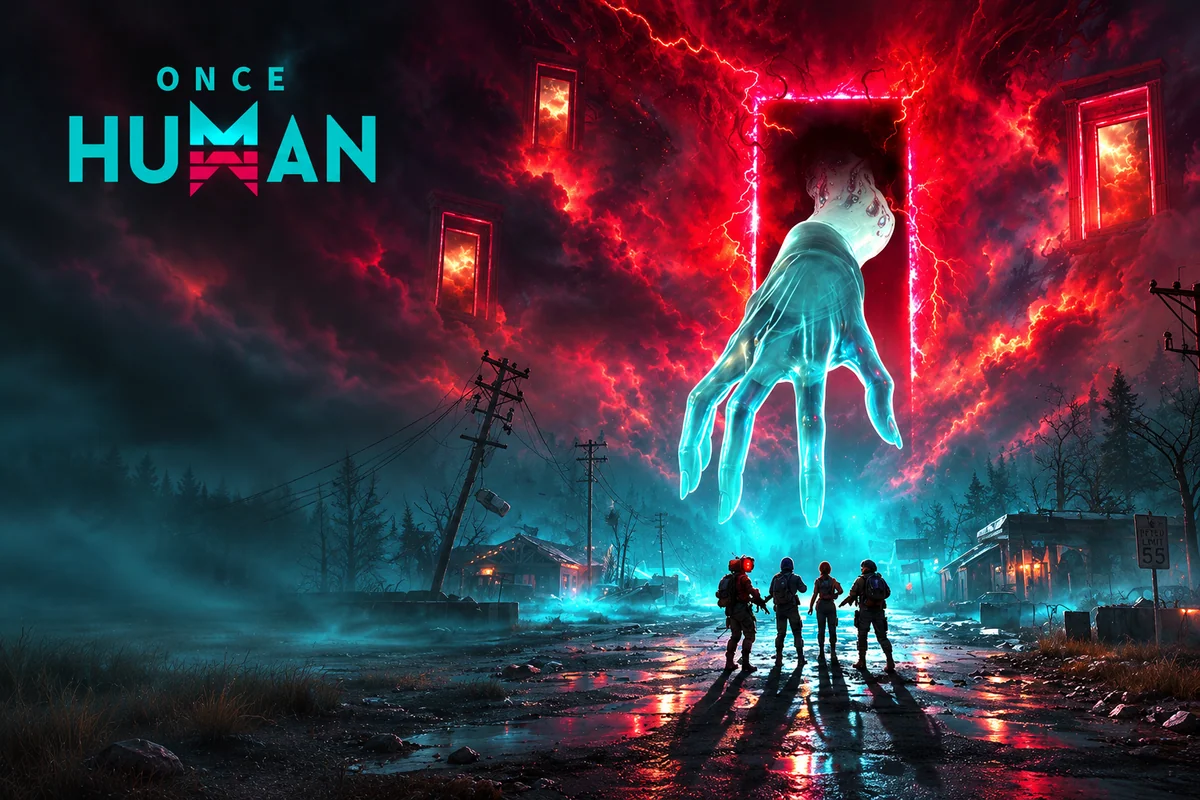
MULTIPLAYER SURVIVAL SANDBOX · WINDOWS PC
Once Human
สำรวจโลกเอาชีวิตรอด เตรียมอุปกรณ์ และเลือกเซิร์ฟเวอร์สำหรับทีมของคุณ
แคตตาล็อก PC · 24 เกม
เกมทั้งหมด →เกมยอดนิยม











02 · คู่มือและการติดตั้ง WINDOWS
คู่มือทั้งหมด →คู่มือติดตั้ง PC และแนวทางการเล่น

คู่มือ
Genshin Impact บน PC: HoYoPlay, บัญชี และการเปิดเล่นครั้งแรก
ขั้นตอนการติดตั้ง Genshin Impact บน Windows ด้วย HoYoPlay: ตรวจสอบพื้นที่ว่างในดิสก์ บัญชีดั้งเดิม และเซิร์ฟเวอร์ก่อนเริ่มการผจญภัย

คู่มือ
NTE บน Steam: ดาวน์โหลดบน Windows บัญชี และการแก้ปัญหาเปิดเกม
ตรวจสอบข้อกำหนด Steam ล่าสุดของ NTE ติดตั้งเกมเวอร์ชันสำหรับ Windows ที่ถูกต้อง และแยกแยะปัญหาของไฟล์ออกจากปัญหาบัญชี Perfect World Games
คู่มือ
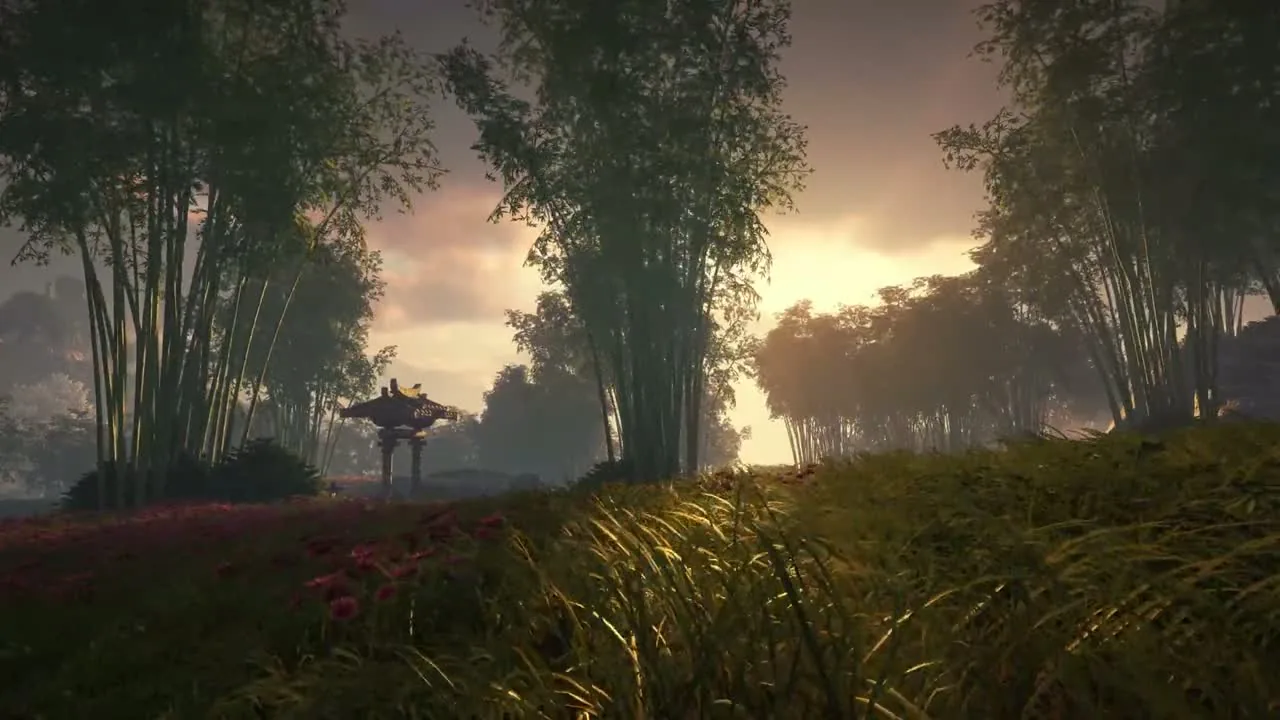
ดาวน์โหลด Where Winds Meet บน PC: ติดตั้ง Launcher & แก้ปัญหา
ติดตั้งตัวเปิดเกม Windows ตรวจสอบข้อกำหนดที่ถูกต้องสำหรับไคลเอนต์ของคุณ รักษาความสอดคล้องของบัญชี และแก้ไขปัญหาการเปิดเกมครั้งแรก

คู่มือ
คู่มือผู้เล่นใหม่ Where Winds Meet: แผนที่นำทางที่ใช้ได้จริง
จัดเซสชันแรกของคุณตามการควบคุม, การต่อสู้, การสำรวจ และการเล่นเป็นกลุ่ม พร้อมคู่มือเฉพาะจุดสำหรับแต่ละปัญหา
คู่มือ
คู่มือ Neverness to Everness: ความคืบหน้า, ตัวละคร & การตั้งค่า PC
วางแผนการเริ่มต้น NTE ของคุณใน Hethereau: เลือกเวอร์ชัน PC ที่ถูกต้อง ติดตามความคืบหน้าช่วงแรก สร้างทีมอย่างมีเป้าหมาย และเข้าใจกฎกิจกรรมที่กำลังเปิดให้เล่น
03 · รีวิวและบทวิเคราะห์
รีวิวทั้งหมด →รีวิวและวิเคราะห์เกม PC
รีวิว
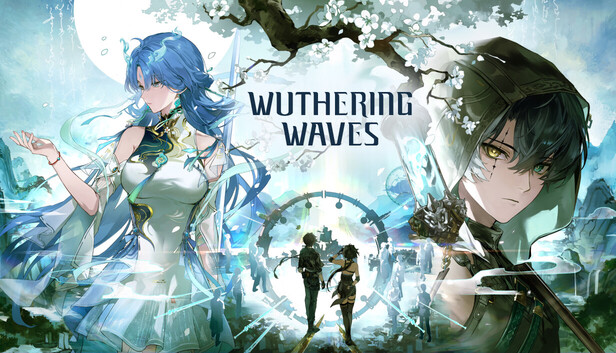
Wuthering Waves บน PC: การต่อสู้, บัญชี และแผนการเล่นแรก
ตรวจสอบบัญชี Kuro Games และข้อกำหนด PC เรียนรู้ลูปการต่อสู้ของ Resonator ที่เป็นระบบ และวางแผนการสำรวจรวมถึงการอัปเกรดใน Wuthering Waves

รีวิว
World of Tanks: HEAT บน PC: เอเจนท์, รถถัง & แผนการรบแรก
ทำความเข้าใจ HEAT ในฐานะเกมที่แยกเป็นเอกเทศของ Wargaming ติดตั้งไคลเอนต์ที่ถูกต้อง และเรียนรู้ว่าเอเจนท์ รถถัง และเป้าหมายกำหนดการรบแรกของคุณอย่างไร
รีวิว
Where Winds Meet บน PC: เกมเพลย์, โหมด & การเริ่มต้น
ตัดสินใจว่าการผจญภัยกำลังภายในแบบเล่นฟรีนี้เหมาะกับคุณหรือไม่ ทำความเข้าใจโหมดเล่นคนเดียวและโหมดสังคม พร้อมเลือกคู่มือ PC ถัดไปที่ตรงจุด
รีวิว
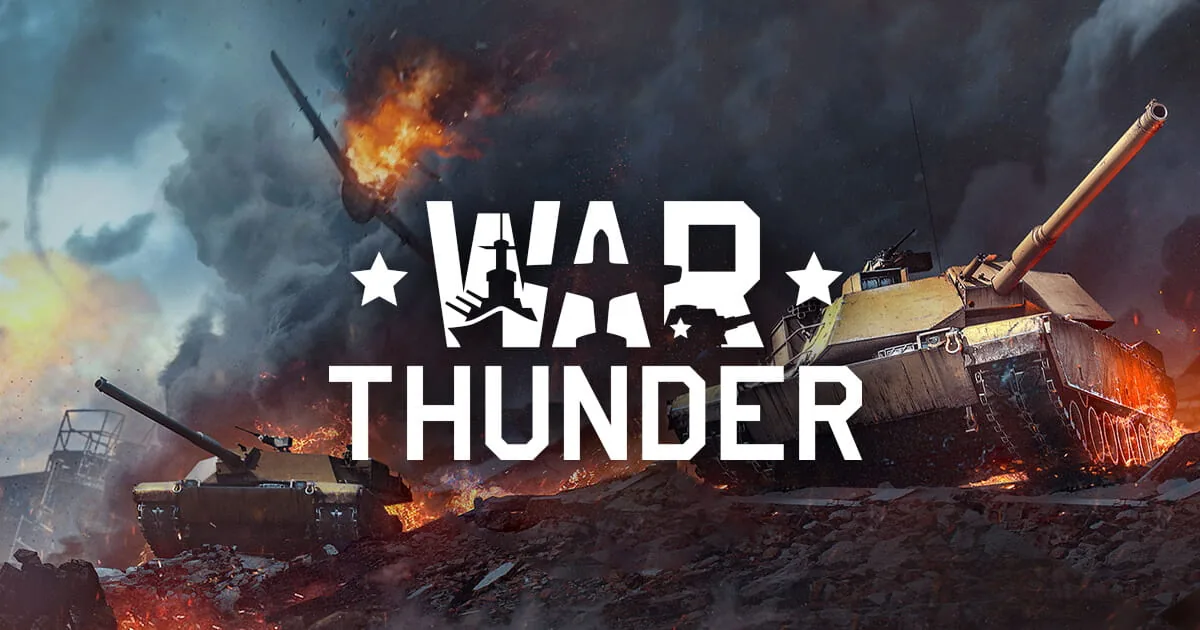
War Thunder บน PC และ Mac: การติดตั้ง, โหมด และการรบครั้งแรก
เลือกไคลเอนต์ War Thunder, เปรียบเทียบโหมด Arcade และ Realistic, ตรวจสอบข้อกำหนด PC/Mac และสร้างกิจวัตรการเรียนรู้การรบครั้งแรกที่ใช้ได้จริง
04 · ฮาร์ดแวร์และแล็บ PC
ฮาร์ดแวร์ทั้งหมด →ทดสอบ GPU เฟรมไทม์ และค่าความหน่วง
ฮาร์ดแวร์
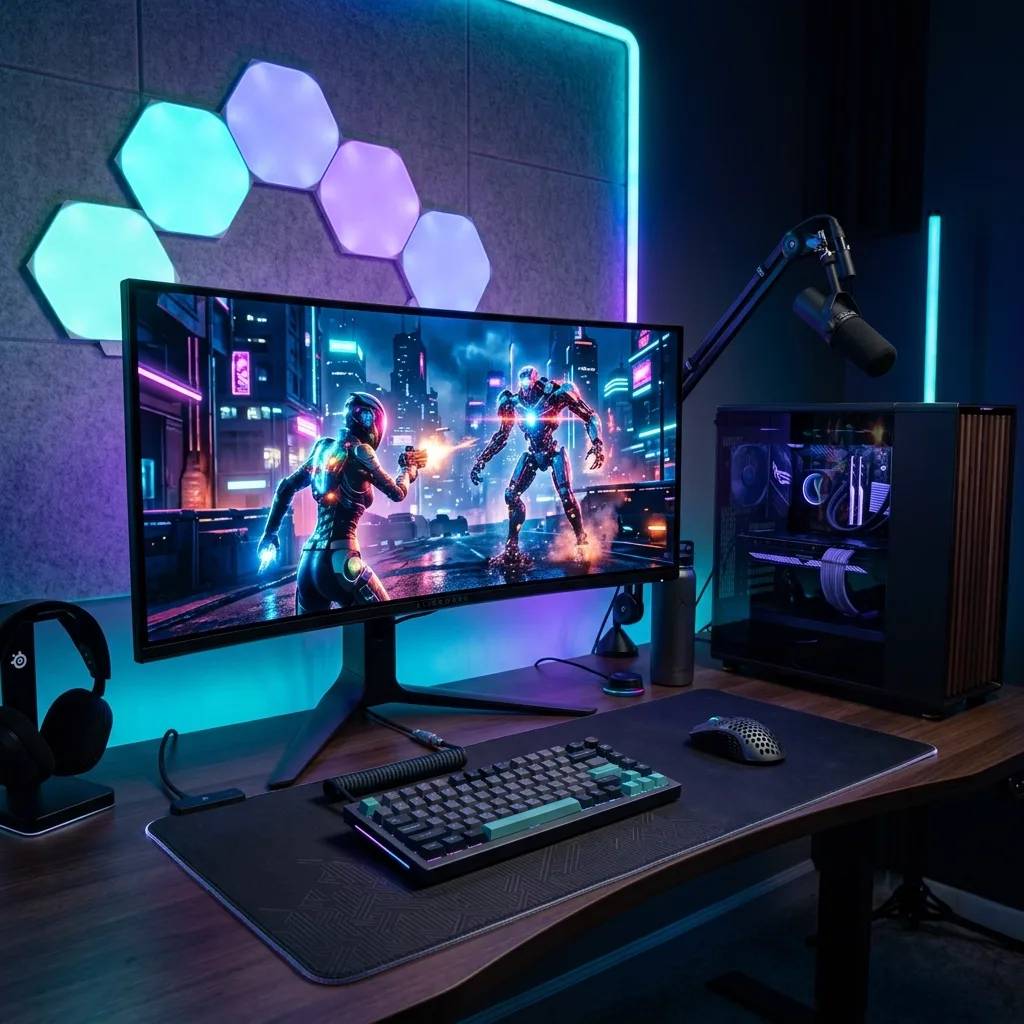
Complete PC Gaming Performance & Optimization Guide
A Windows 11 checklist for PC gaming: Game Mode, graphics settings, drivers, and a one-change measurement method.
ฮาร์ดแวร์
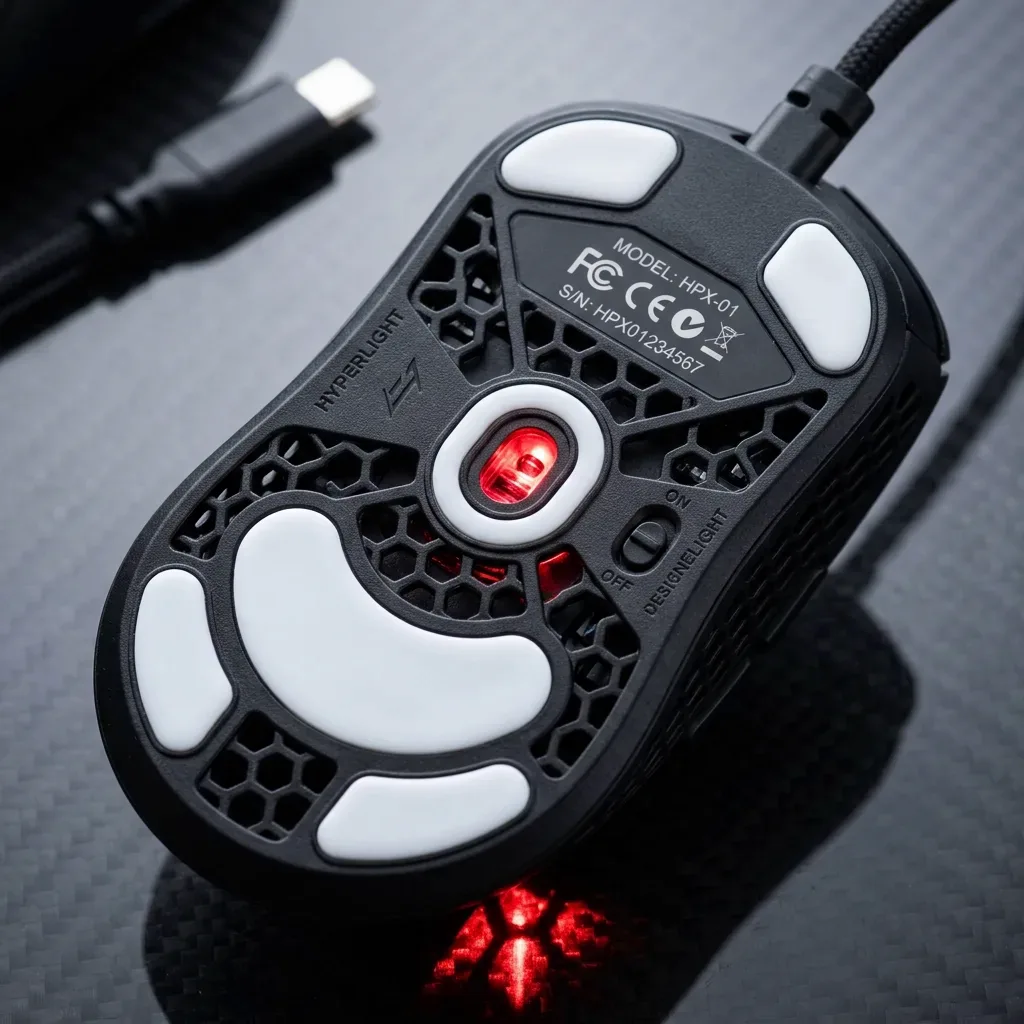
Windows 11 gaming performance: a troubleshooting checklist
Diagnose Windows 11 gaming stutter with a repeatable baseline, supported drivers and per-game settings while keeping security protections enabled.
ฮาร์ดแวร์
Unreal Engine 5 Shader Stutter on Windows: Causes and Checks
Why DirectX 12 shader stutter happens in Unreal Engine 5, what PSO precaching does, and how to tell a compile hitch from other stutter.
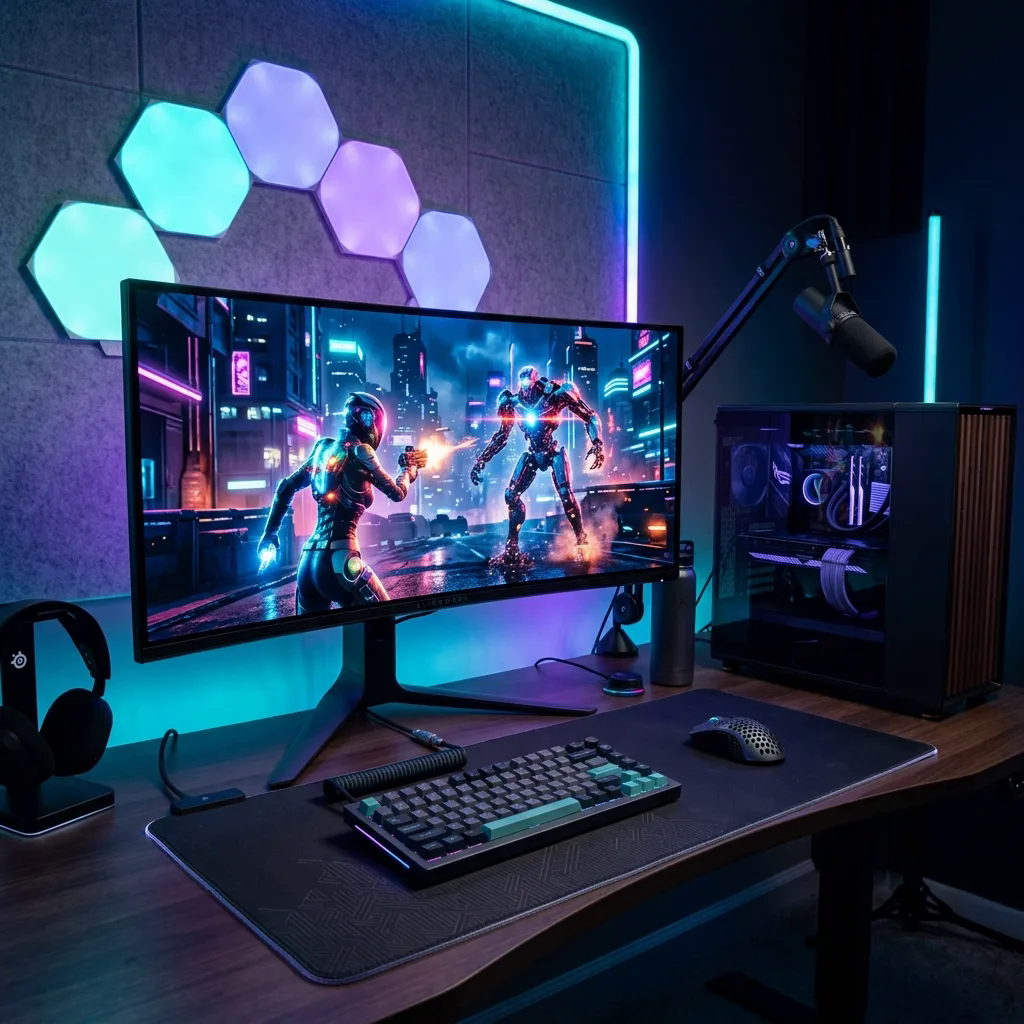
ฮาร์ดแวร์
Steam Deck OLED vs ROG Ally X vs Legion Go S: Specs
A sourced comparison of Steam Deck OLED, ROG Ally X (2024) and Legion Go S 8ARP1, with exact model names and buying checks.
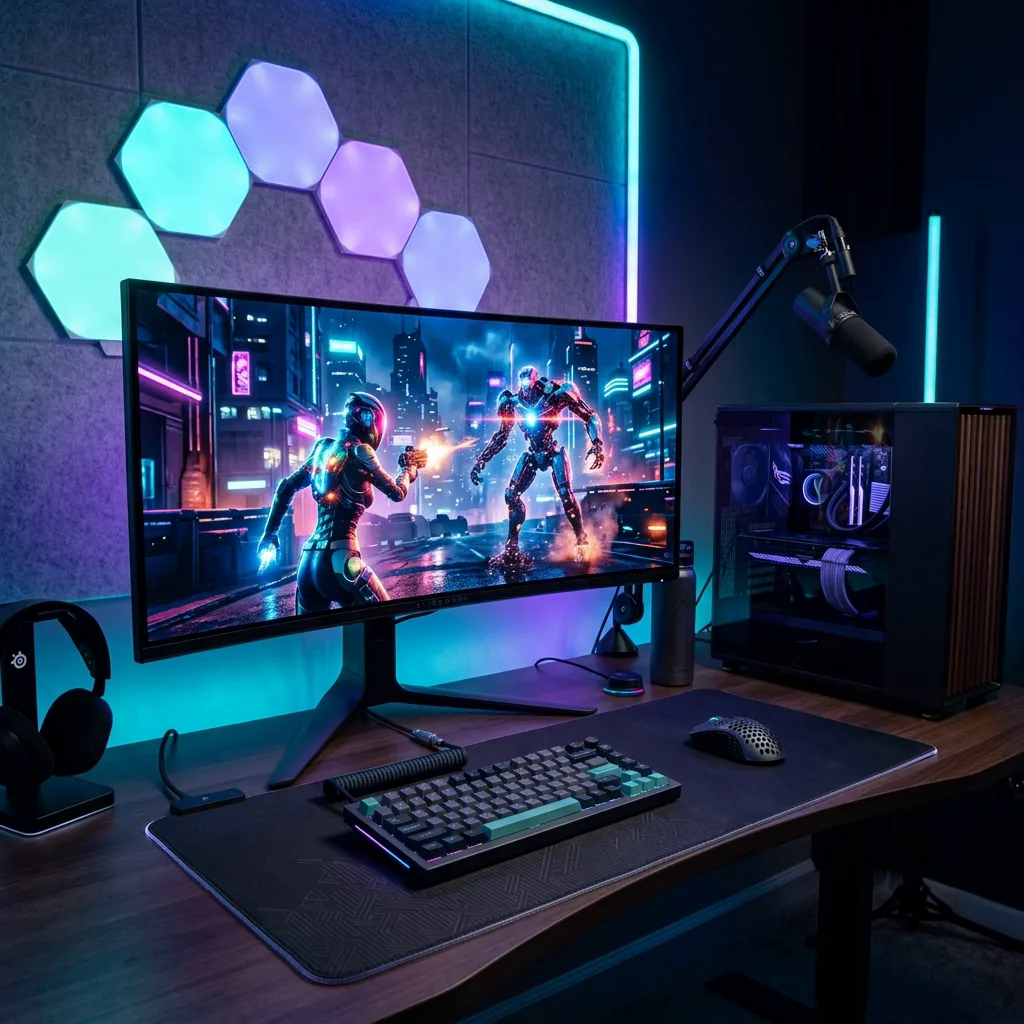
ฮาร์ดแวร์
RTX 5080 & 5090 Gaming Settings: DLSS, Reflex and Frame Pacing
Set up an RTX 5080 or 5090 with per-game comparisons of DLSS, Reflex and frame pacing. No universal voltage curve or FPS gain is assumed.
05 · ข่าว PC และบทความยอดนิยม
ข่าวทั้งหมด →ข่าวสาร PC และบทความที่อ่านมากที่สุด
01020304
Genshin Impact บน PC: HoYoPlay, บัญชี และการเปิดเล่นครั้งแรก
คู่มือ · 1 นาทีNTE บน Steam: ดาวน์โหลดบน Windows บัญชี และการแก้ปัญหาเปิดเกม
คู่มือ · 5 นาทีดาวน์โหลด Where Winds Meet บน PC: ติดตั้ง Launcher & แก้ปัญหา
คู่มือ · 5 นาทีWuthering Waves บน PC: การต่อสู้, บัญชี และแผนการเล่นแรก
รีวิว · 4 นาทีข่าวสาร
Unreal Engine 5.5 vs Unity 6: What PC Players Can Infer
Compare the documented rendering tools without treating an engine name as a promise of frame rate, memory use or a specific game’s version.
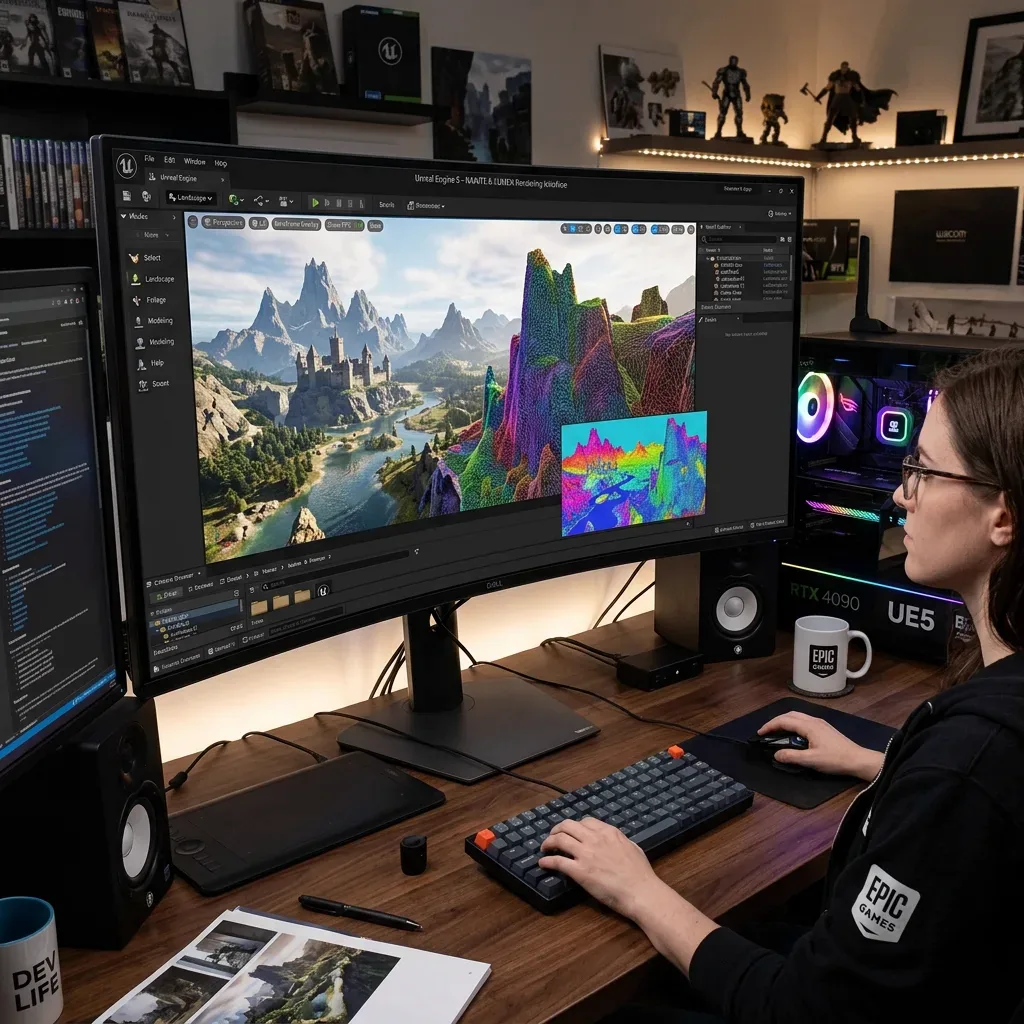
ข่าวสาร
Unreal Engine 5: Nanite, Lumen and open-world tools
Learn what Nanite, Lumen, Motion Matching and world-building tools do, and why an Unreal Engine version alone cannot predict game performance.
ข่าวสาร
Star Wars Zero Company: Tactical Combat and PC Guide
Understand the Clone Wars setting, squad decisions, shared Advantage system and official PC requirements before starting Zero Company.