NIKKE on PC: Official Client Setup, Accounts & Settings
Install the official NIKKE PC client, verify your existing account and adjust the settings your version actually provides.
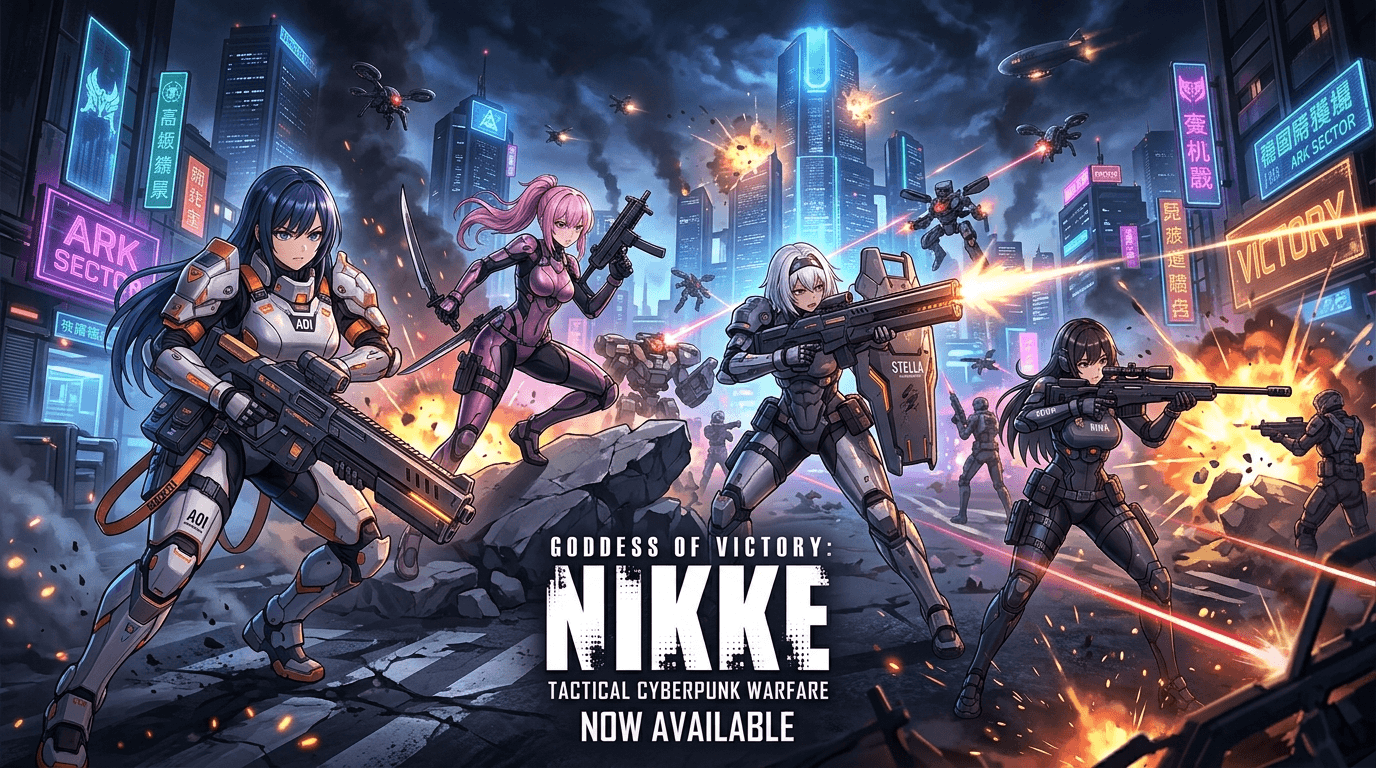
This article contains partner links. Nexrivium may receive compensation for qualifying activity. Affiliate disclosure.
Use the publisher's official PC download page to start. Before installing, decide whether you are opening an existing account or beginning a new one. This guide covers a safe setup and settings workflow; it does not provide an unofficial frame-rate unlock or promise a particular benchmark result.
Before downloading
- Confirm the source. Open the official download page and check that the link still identifies GODDESS OF VICTORY: NIKKE. Avoid repackaged installers advertised as FPS fixes.
- Check the current requirements. Use the requirements shown by the publisher or current launcher for your version. Leave space for the installer, game files and subsequent updates rather than treating an old download size as permanent.
- Prepare your existing account details. Note the login provider and server used on your current device. Do not share passwords, verification codes or recovery details with a third-party guide or tool.
Install and launch the PC client
Download the installer through the official page, open it and choose a location with enough free space for game data and updates. Allow the launcher to finish its own download and verification before starting the game. If Windows presents a publisher or security prompt you do not recognize, stop and verify the file's origin rather than bypassing the warning to complete the steps.
On the first sign-in, use the account method you intended to use. If you expected existing progress but see a new introduction, check the server and sign-in provider before making further changes. Do not overwrite, unlink or delete an account merely to repeat the installation.
Set a stable graphics baseline
Open the settings available in your current client and begin with a configuration that runs consistently on your PC. A higher frame-rate option is useful only if your hardware sustains it and the game version supports it. This page does not assume that a 120 FPS option exists in every release.
| What to check | Practical action | What to observe |
|---|---|---|
| Resolution and display mode | Choose a readable resolution and test the available window/fullscreen modes. | UI clarity, image scaling and whether focus changes cause problems. |
| Frame-rate option | Select an option actually exposed by the current game. | Consistency during combat, not only the lobby. |
| Effects and image quality | Reduce one demanding option at a time if combat stutters. | Whether visibility and smoothness improve in a comparable encounter. |
| Mouse and aiming controls | Use a repeatable sensitivity and test target tracking. | Whether you can maintain aim without overshooting. |
Repeat the same encounter when comparing settings. Keep the resolution, team and background applications similar, and record the game version and hardware if you intend to publish measurements. Without those details, a frame-rate claim is not a reproducible result.
Learn the team before copying a rotation
Read the abilities and activation conditions shown in the client for the characters you own. Check how your selected characters connect through the game's Burst sequence and whether their cooldowns support the sequence you are trying to use. A lineup copied from a different roster may not behave the same way.
When an encounter fails, identify the immediate cause: missed target, interrupted sequence, insufficient survival or an upgrade requirement. Change one part of the team or sequence and retry before spending across several characters at once. This is a troubleshooting process, not a universal team ranking.
If the download or game fails
- Check the official notices for maintenance and known client issues.
- Record the exact error, current client version and the point where it occurs.
- Check free storage and whether a download or verification is still running.
- Use a launcher repair or verification feature only if your version provides it.
- Contact the support link reached from the official site if the same failure continues.
Do not install DLL packs, modified executables or account tools merely because a page promises higher FPS. If you request support, provide the error and system details rather than login secrets.
Source and measurement scope
The official NIKKE download page is the installation entry point. Its live FAQ and launcher should be checked for version-specific requirements and account instructions. This article does not claim laboratory tests, a guaranteed 120 FPS mode, sub-5 ms frame times or a measured advantage over mobile aiming.

