Complete PC Gaming Performance & Optimization Guide
A practical hub for improving PC game frame pacing, latency, image quality, and stability without unsafe one-click tweaks.
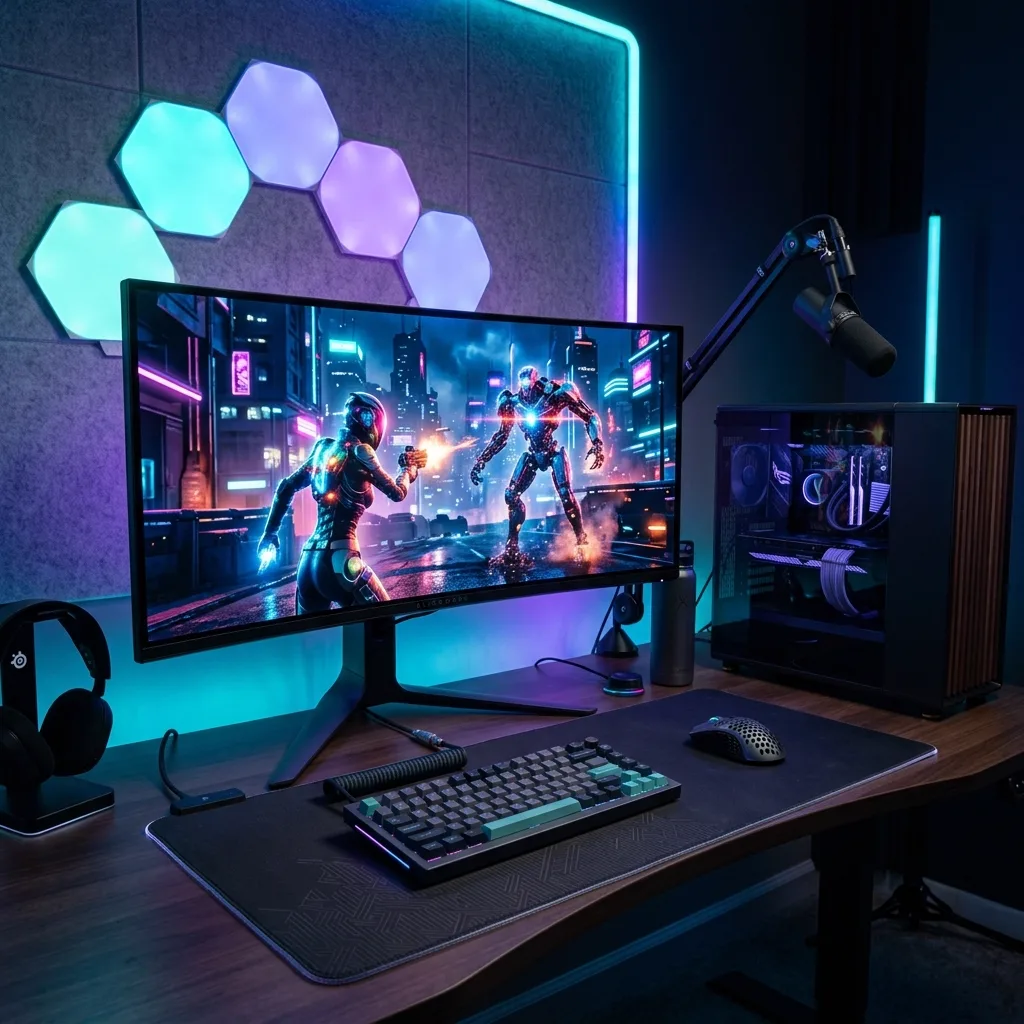
Last reviewed: September 17, 2026. Start here for Nexrivium’s PC performance coverage. We separate low average FPS, unstable frame times, shader stutter, network delay, display latency, and input latency instead of treating every symptom with the same “boost” list.
Use a repeatable method
- Update the game and check known issues.
- Record a repeatable scene at unchanged settings.
- Monitor frame times, 1% lows, temperatures, clocks, and memory pressure.
- Change one variable at a time.
- Keep only changes that improve a measured problem.
Choose the right path
Latency and hardware
Total response includes simulation, CPU work, GPU rendering, the display pipeline, and the input device. Read the 8,000Hz mouse guide, rapid-trigger keyboard guide, OLED monitor guide, and hardware buyer’s hub.
Editorial standard
Benchmarks in this cluster will state the test scene, hardware, software versions, settings, capture method, and date. Explanations without original measurements will not be presented as laboratory evidence.

