 Guides
FEATURE 01
NTE على Steam: التنزيل على Windows، الحسابات وحلول مشاكل التشغيل
راجع متطلبات NTE الحالية على Steam، وثبّت إصدار Windows الصحيح، وافصل مشكلات الملفات عن مشكلات حساب Perfect World Games.
القسمأدلة تثبيت ألعاب الكمبيوتر وشروحات البداية وإعدادات التشغيل العملية لنظام Windows.
Guidesراجع متطلبات NTE الحالية على Steam، وثبّت إصدار Windows الصحيح، وافصل مشكلات الملفات عن مشكلات حساب Perfect World Games.
Guidesخطط لبداية NTE في Hethereau: اختر إصدار الحاسوب المناسب، واتبع التقدم الأولي، وابنِ فريقًا واضح الغاية، وراجع قواعد الفعاليات الحالية.
 Guides
اختر شخصيات NTE وفق قدراتها الحالية وتشكيلتك والمواجهة، مع مراجع موثقة للشخصيات وطريقة عملية للمقارنة.
Guidesابدأ NTE بخطة واضحة للحساب وتقدم القصة ودروس الشخصيات والموارد المبكرة، دون الاعتماد على تعليمات تجريبية انتهت صلاحيتها.
 Guides
Install the free-to-play MU: Dark Epoch Windows client from Steam, using the publisher requirement table and a first-launch checklist.
 Guides
Install Aniimo on Windows through Steam, check the published PC requirements, and keep account linking clear before your first Pathfinder session.
 Guides
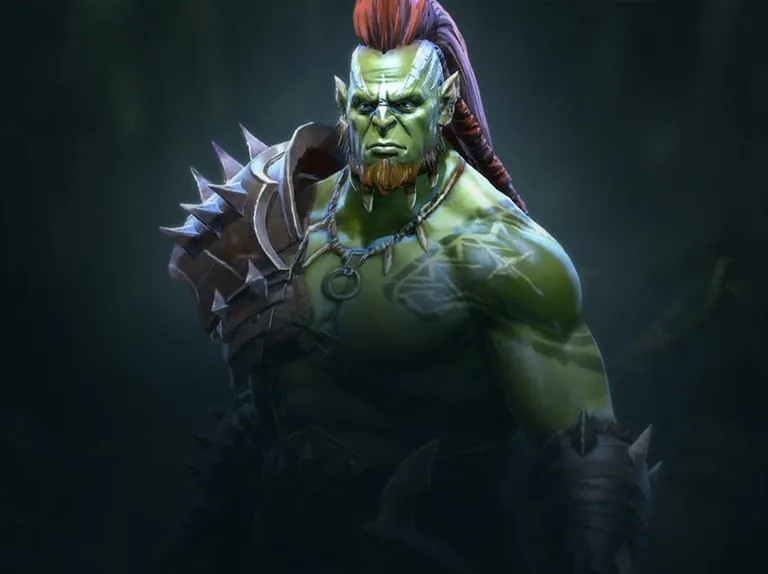
Install RAID on Windows, correctly link your existing progress and make informed choices for your first team.
 Guides
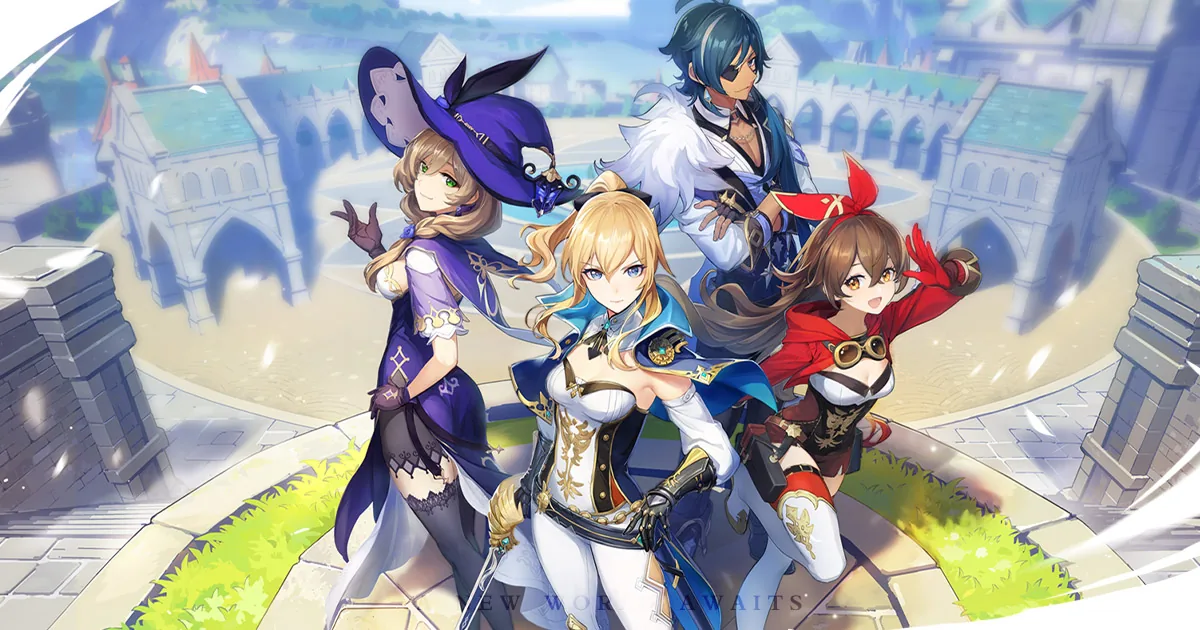
Install Genshin Impact on Windows with HoYoPlay, check drive space and use the correct account and server before starting your adventure.
 Guides
Install Arknights: Endfield on Windows through GRYPHLINK, confirm storage and account/server choices, and keep Steam as a separate optional path.
 Guides
Install the Windows launcher, check the right requirements for your client, keep your account consistent and troubleshoot the first launch.
 Guides
Install Mech Arena through the official Plarium Play route, keep the right account and check your desktop setup before the first match.
 Guides
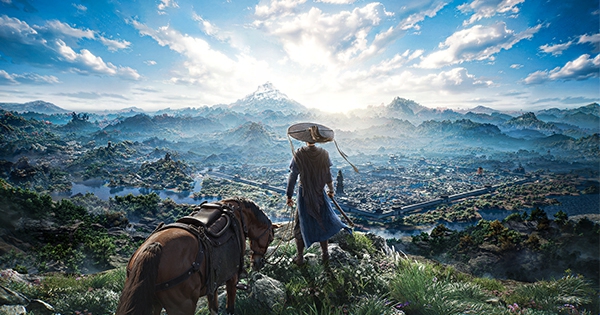
Organize your first sessions around controls, combat, exploration and group play, with focused guides for each problem.